
Long Island, in your pocket
The whole publication as a real app: the day's news, the events calendar, the full archive to search, and the stories you save waiting for you even when the signal is not.


Free on both stores. No subscription, and no account needed to read.
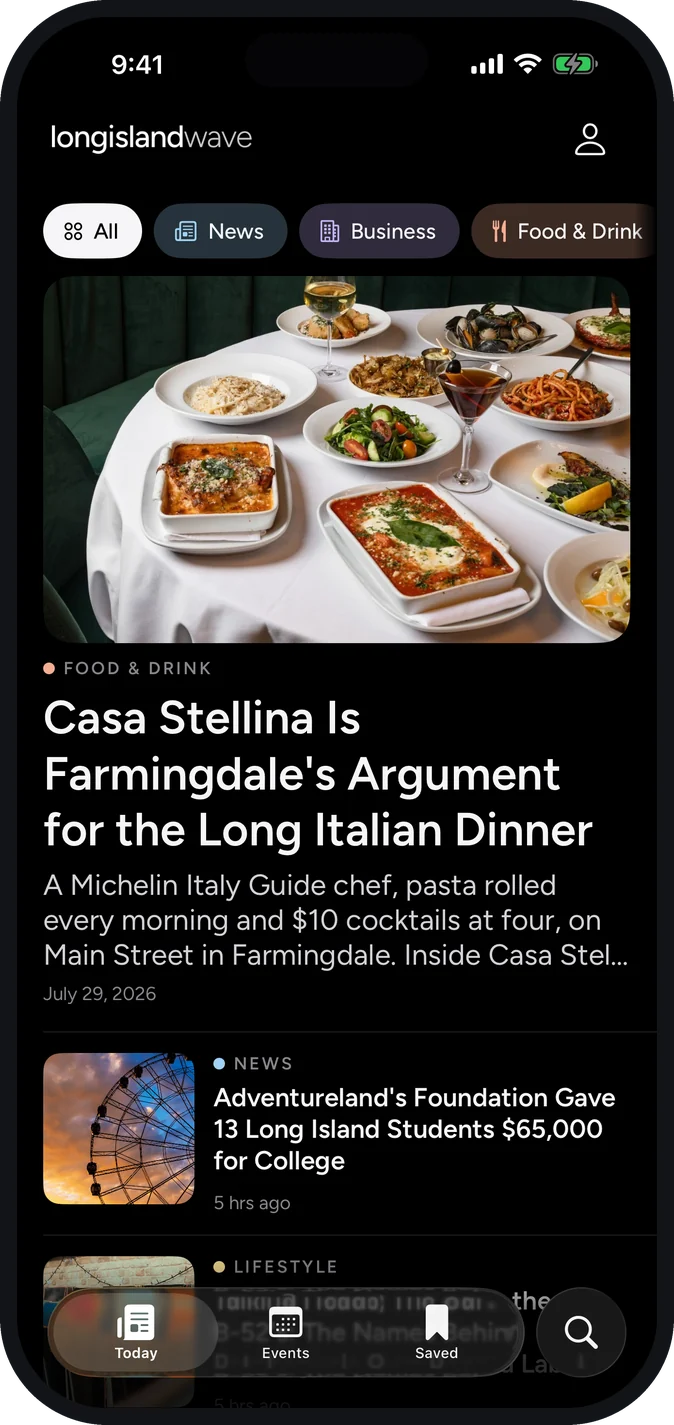
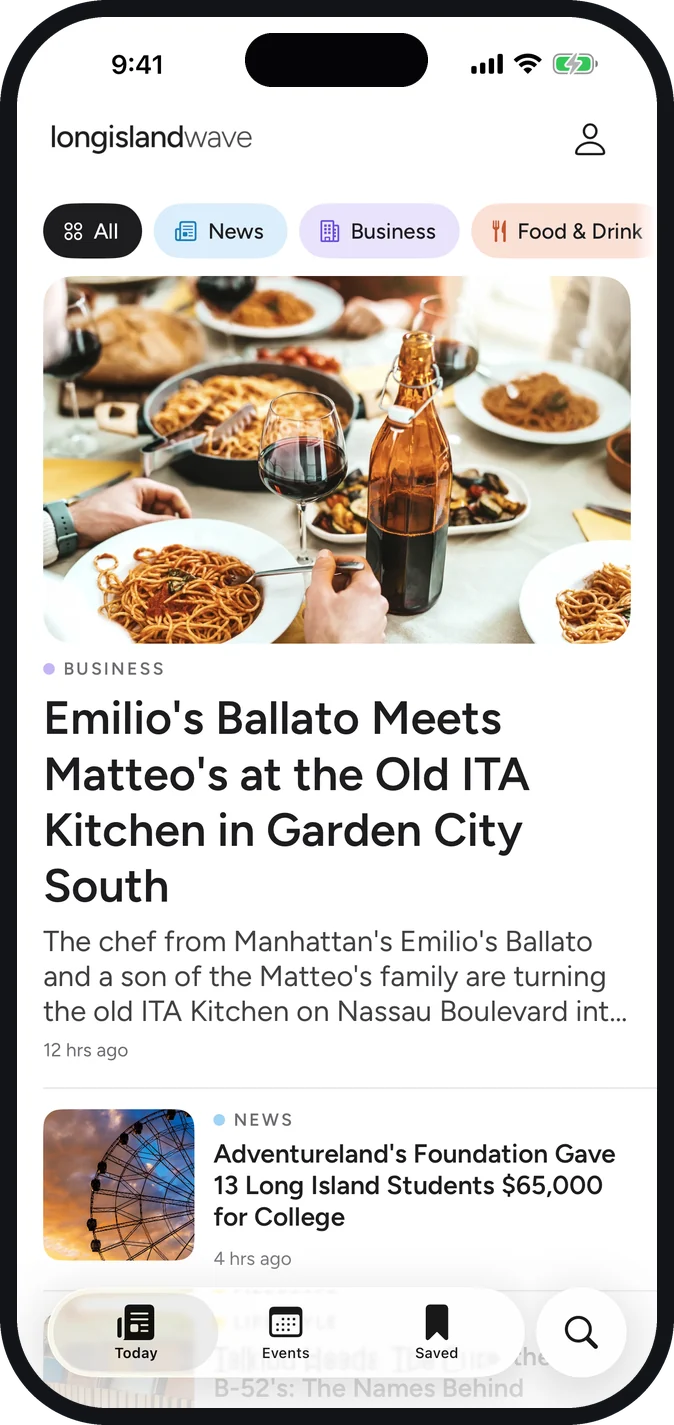
The day on Long Island, at the top
Nassau and Suffolk news the moment it publishes, led by a photograph and a headline worth stopping for, with a filter for the section you actually came for.
- News, business, food and drink, health, beauty, lifestyle
- Fresh stories every day, from the villages up
- One tap from the feed to the full story
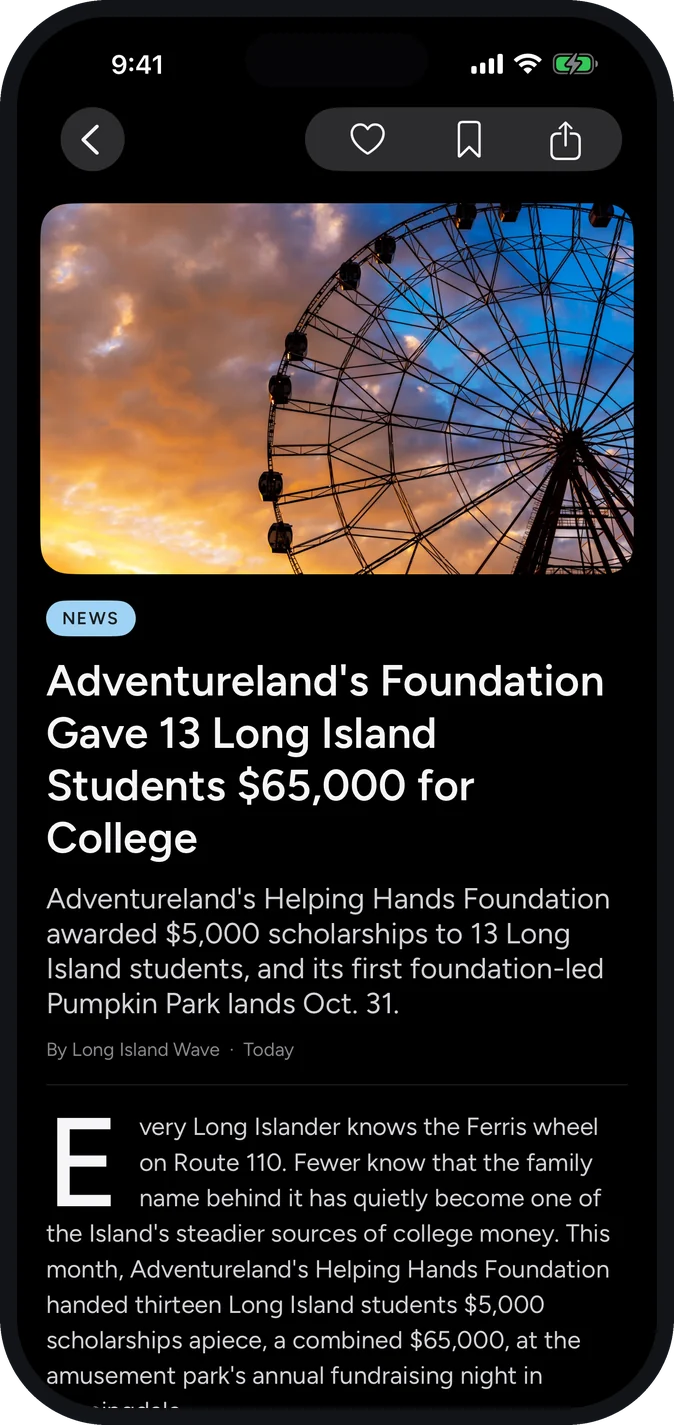
Typeset for reading, not for clicks
Every story opens in the publication's own type, with the photograph, the drop cap and room to breathe. Save it, like it or share it from the bar at the top.
- No pop-ups or autoplay video in the way
- Save any story to read later, even offline
- Share straight to a text or a group chat
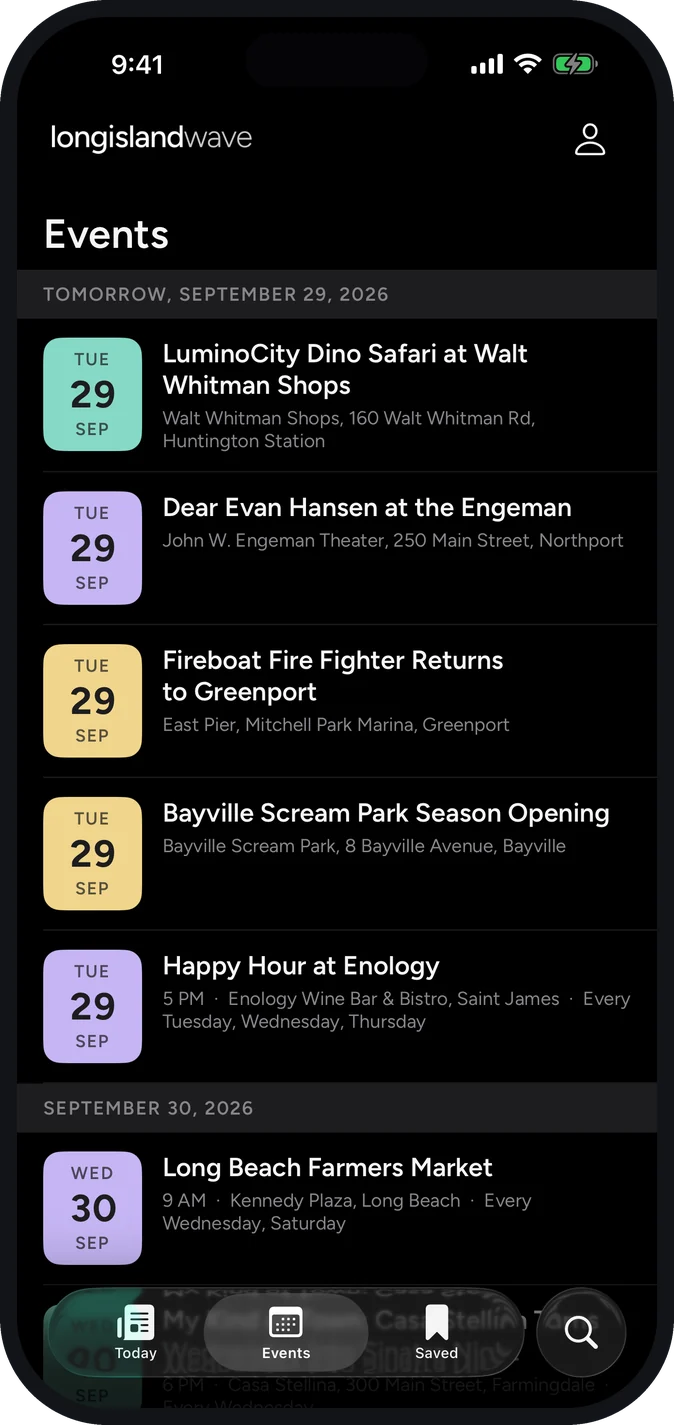
What's on this week, by the day
The events calendar for both counties, from village fairs and tastings to concerts and openings, each with the date, the venue and the address.
- Listings grouped by the day they happen
- Directions and the organizer's page in one tap
- Add an event to your own calendar
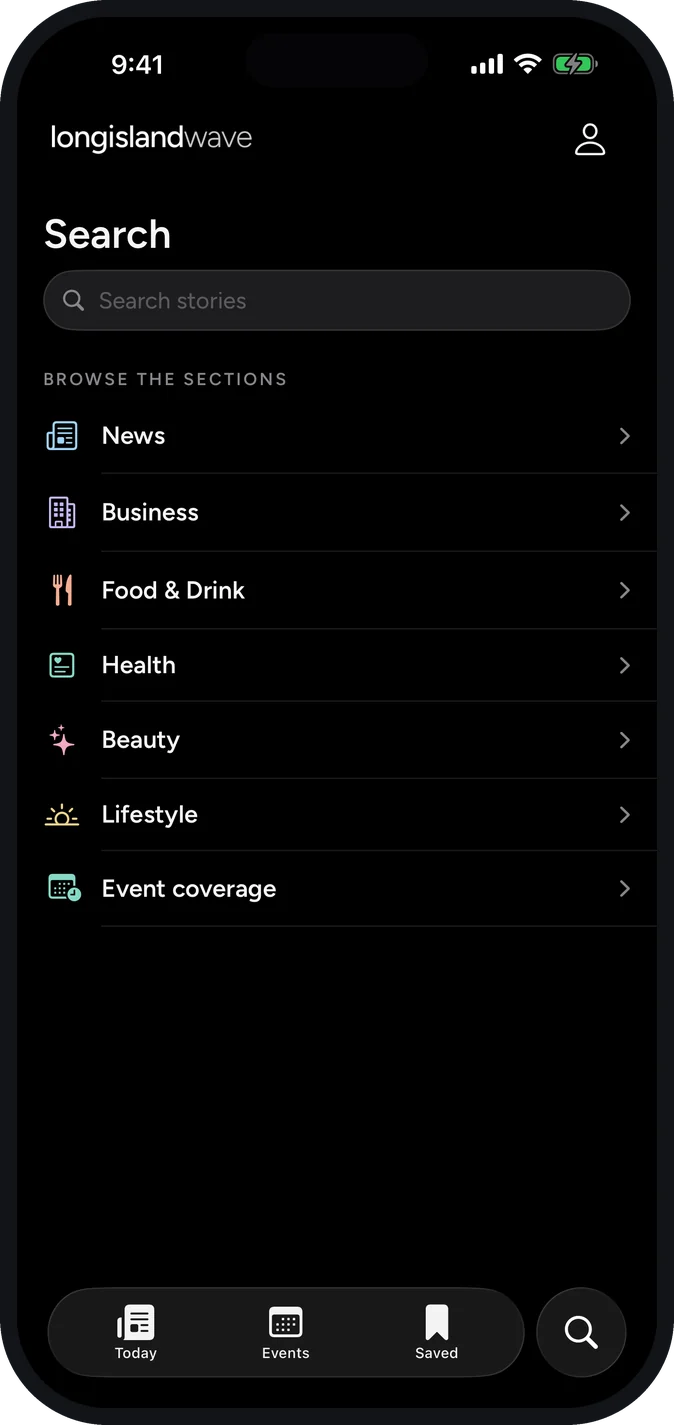
The whole archive, a couple of words away
Every story we have published, searchable. Handy when you half remember a restaurant, a road project, or a name, or just want to browse a section.
- Search every story in the archive
- Browse by section in one tap
- Results as you type
Reads the way you like to read
Pick light, dark, or follow the phone, and set the text to a size your eyes agree with. The type is the publication's own, set for a small screen rather than squeezed into a browser.
- Light, dark, or automatic with the phone
- Adjustable text size for every story
- The same app on iPhone and Android, screen for screen
The small things that make it yours
Save it for the ride
Tap save and the story comes with you. Saved reading opens on the LIRR, at the beach, or anywhere the bars run out.
No password to invent
Sign in with a six-digit code sent to your email or phone, and what you save follows you to your next phone. Or skip it: reading never asks who you are.
Free, all of it
Every story, the calendar and the archive, with no subscription and no paywall waiting a few articles in.
Get the Wave
Free on the App Store and Google Play.
Good to know
How much does it cost?
Nothing. The app is free, every story on it is free, and there is no subscription or paywall waiting a few articles in. You do not need an account to read.
Is it on the App Store and Google Play?
Both. The iPhone app is on the App Store and the Android app is on Google Play, and the two are the same publication: the same stories, the same events calendar, the same archive.
Do I need an account?
Only if you want one. Reading, searching and the events calendar all work signed out. Signing in is a six-digit code sent to your email or phone, no password to invent, and it keeps your saved stories with you when you change phones.
Does it work without a signal?
Stories you save are kept on your phone, so they still open on the LIRR, at the beach, or anywhere Long Island coverage gives up. Fresh news naturally needs a connection.
Will it send me alerts?
That is coming, and it will be a handful of stories worth interrupting your day for, chosen by an editor, rather than a stream of pings. Reading never depends on it.
How do I remove it?
Like any other app. Press and hold the icon and choose remove or uninstall.